How to Make Videogame Style Videos
The entire process, from designing characters to building their worlds, and directing game-style cutscenes with AI tools.
Two routes
Use image and video generation models. Nano Banana Pro for images, Seedance 2.5 on Higgsfield for video. You write, direct and choose.
Available →A hands-on ComfyUI pipeline, built and tuned by hand.
Not startedProcess overview
From the creator’s notesFind the character’s look
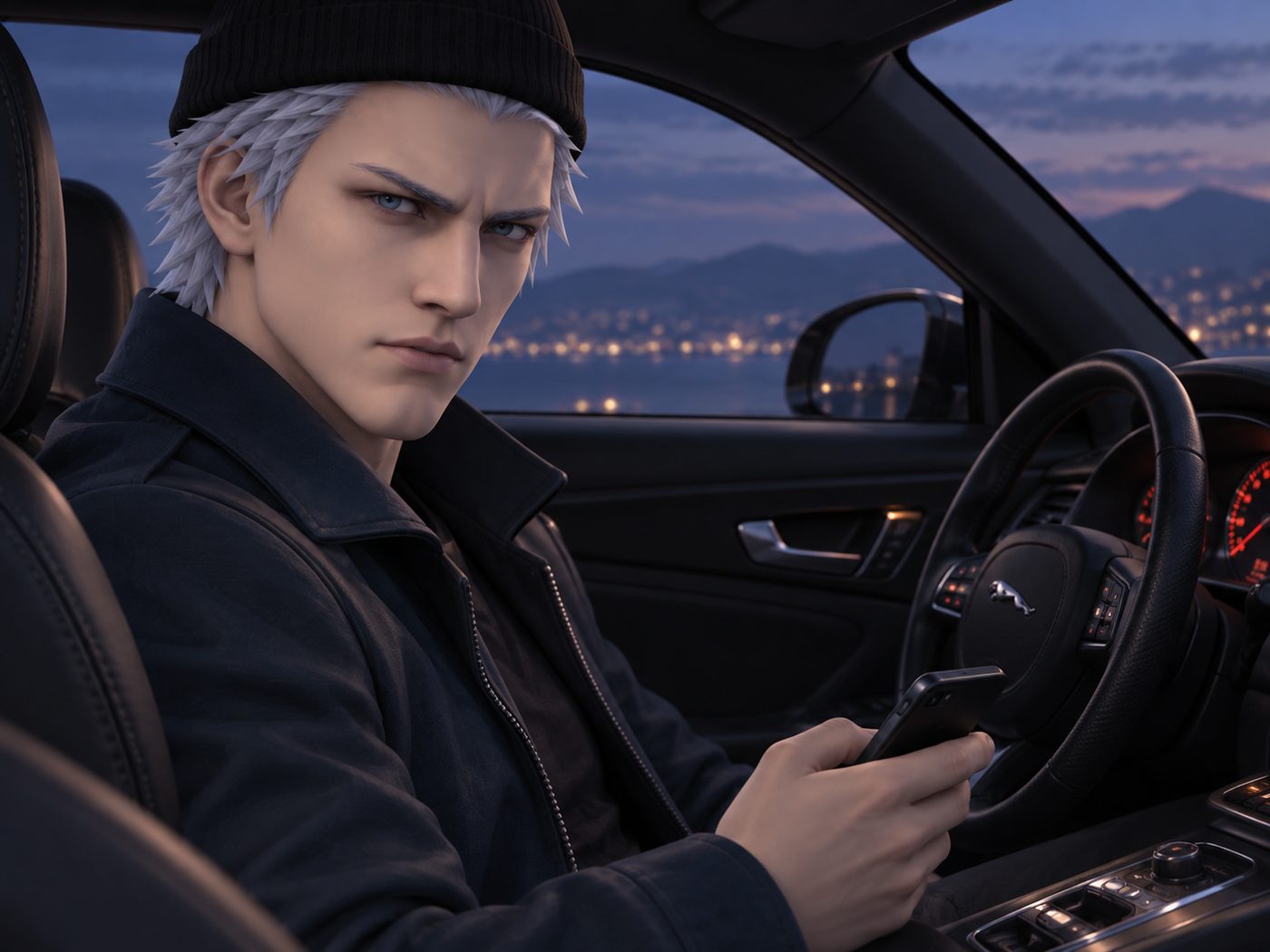
Start with a reference: a PS3 game screenshot, a 3D model, or outfits the character should wear.
Break down the description
Have an AI-assistant (Claude or ChatGPT) describe the appearance and style.
Generate the character
Give that description to Nano Banana Pro to create the character and a style sheet.
Generate the background
Find environment inspiration and generate the background in the same style.
Write a rough script
Jot ideas in a notes app, then brainstorm them with ChatGPT or Claude into a screenplay.
Bring in the director
Give Codex the character, background and script to turn into detailed scene direction.
Use a structured generation prompt
Borrow the prompt structure from Higgsfield’s examples and write the camera direction in text.
Fill out the scene prompt
Give ChatGPT the structure, references, script and camera direction to fill out the final prompt.
Toolbox
RecommendedChapters
06 chaptersHow to read this guide
What was actually done.
Rules from the prompt-writing instructions used to direct the scenes.
Extra advice added for this guide.